Extras
Extras are custom fields for storing participant-specific information that doesn't fit standard profile fields. They provide flexibility to capture unique data points your organization requires.
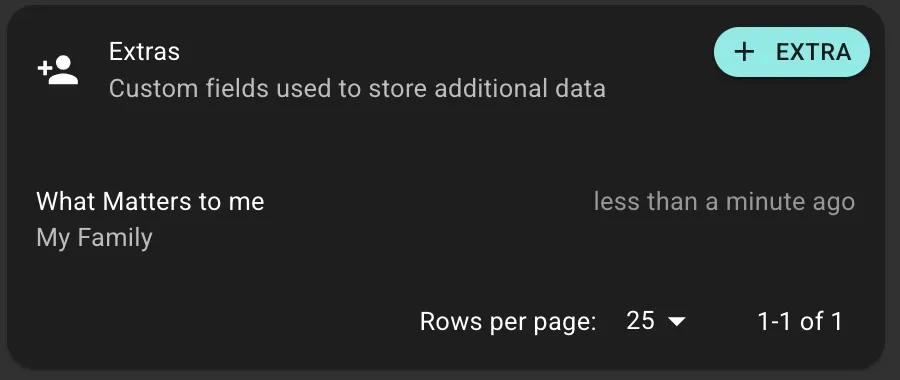
A corporate wellness program tracks Employee Department, Start Date, Manager Name, and Preferred Contact Time using Extras.
How Extras Work
Extra Types (Templates)
Administrators create Extra Types that define the field blueprint: name,
format (Text/Number/Yes-No/Date-Time/JSON), and behavior rules (isHidden,
isReadOnly, Log History).
Extras (Data)
Coaches add Extras to individual participant profiles by selecting an Extra Type and entering the value.
Formats
- Text: Emergency contacts, dietary restrictions, notes
- Number: Employee IDs, member numbers
- Yes/No: Onboarding status, research consent
- Date/Time: Enrollment dates, appointments
- JSON: Complex data structures (for integrations)
Special Properties
- isHidden: Data stored but not visible to participant in app
- isReadOnly: Can be added once but not edited (prevents accidental changes)
- Log History: Maintains audit trail of all value changes
Use Cases
Campaigns & Segmentation
Filter participants by Extra values (e.g., "all participants where
extras.department = 'Sales'")
Integrations
Store external system IDs (CRM contacts, EHR patient numbers, billing accounts) to link Intervengine with other platforms.
Extras vs. External ID
- External ID: Single primary identifier (e.g., main EHR patient ID)
- Extras: Multiple identifiers or other custom data
Best Practices
- Plan Extra Types before creating them
- Use descriptive names and consistent naming conventions
- Only create Extras for data you'll actually use
- Keep data current and respect privacy settings