Settings
Participants manage their personal information, notification preferences, and access legal documents from Settings.
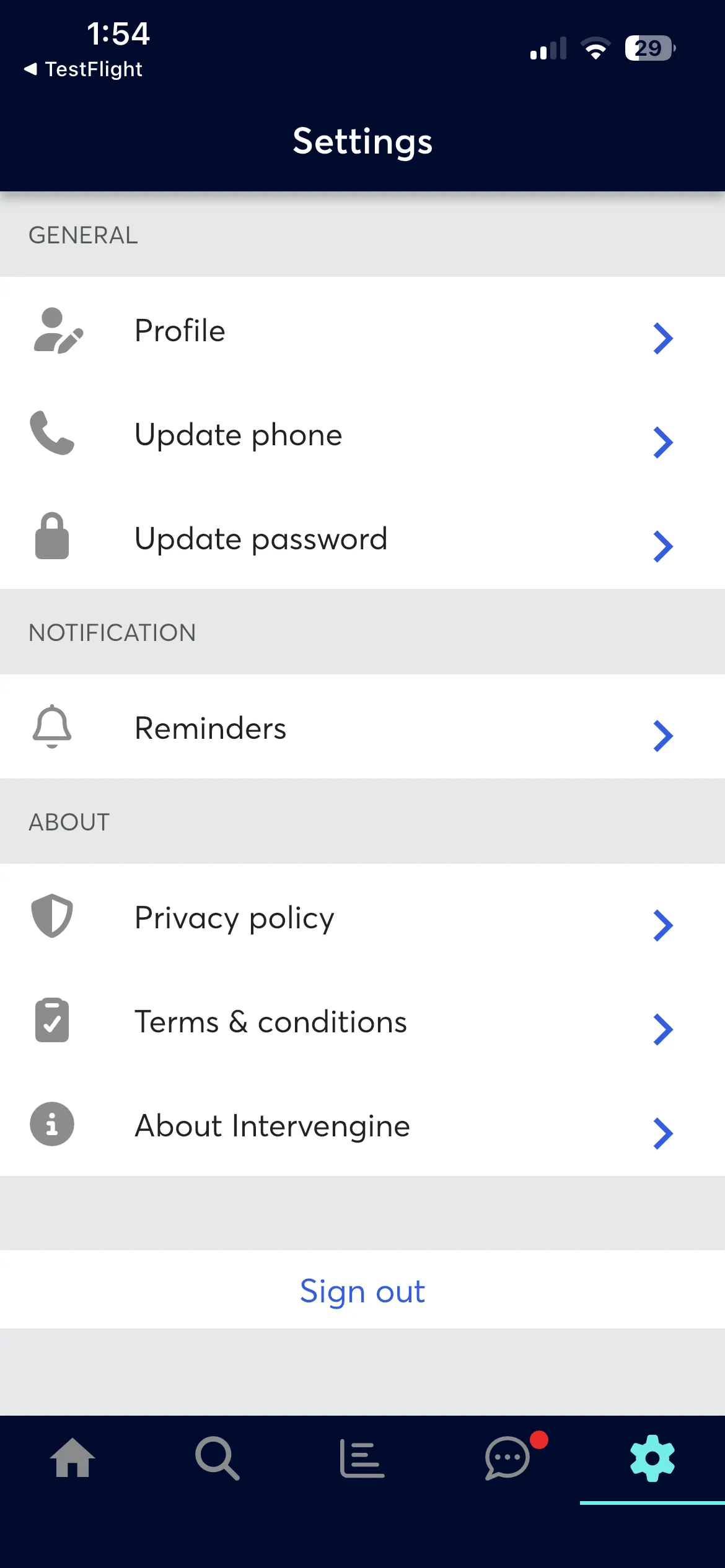
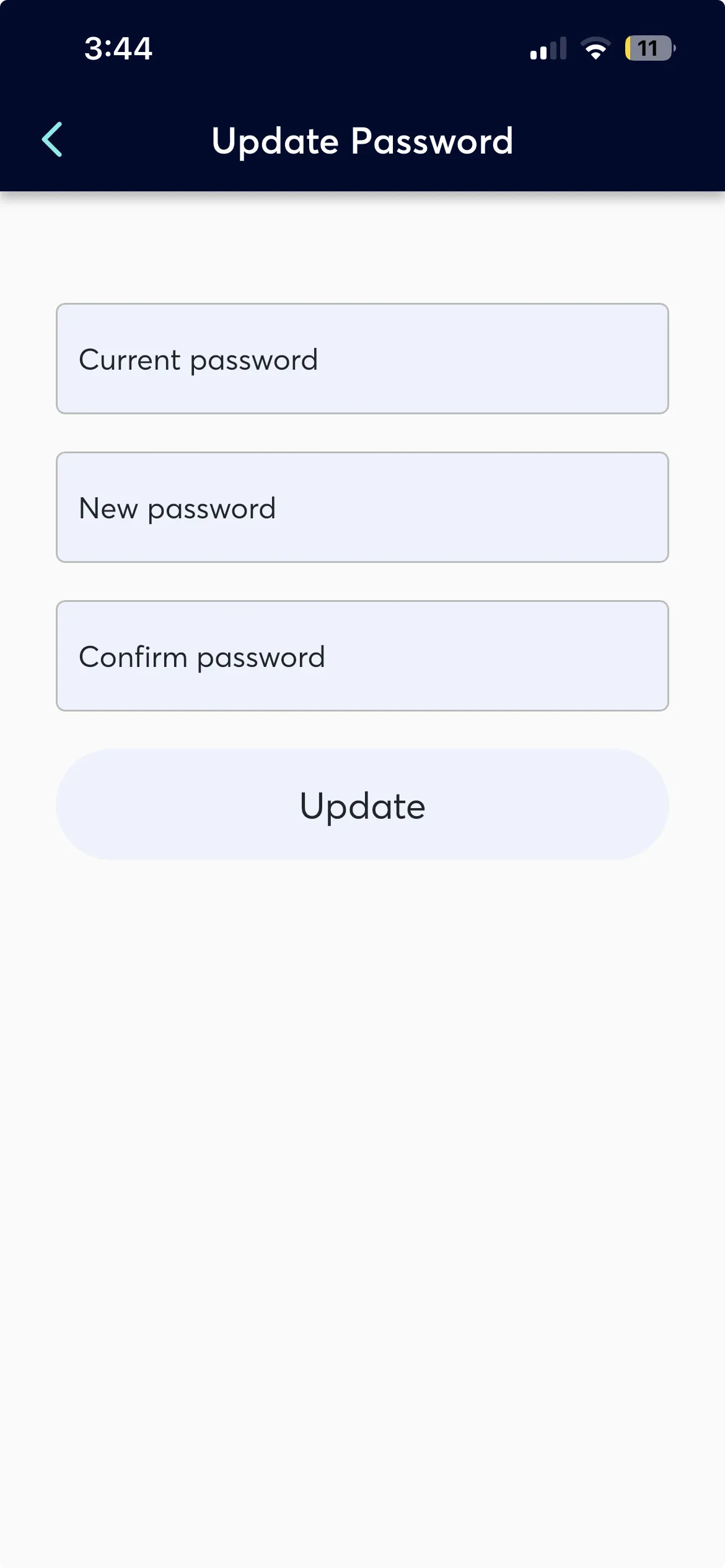
Update Profile, Update Phone Update Password or Delete Account
Participants can:
- View and update their profile information or Permanently delete their account. (This requires phone verification, after which all personal data is removed from the backend and the local cache is cleared.)
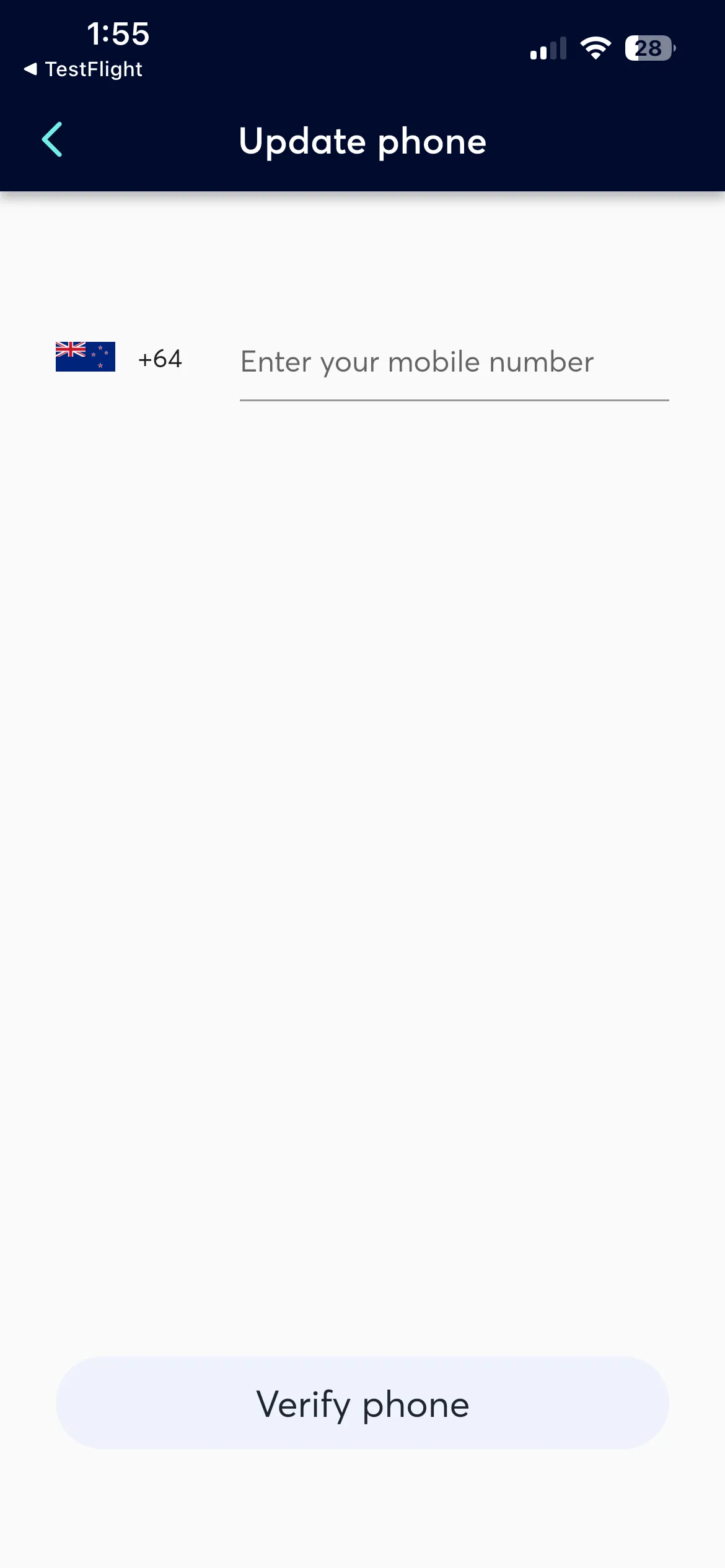
- View and update theirmobile number used for SMS authentication.
- View and update their password used for email authentication.
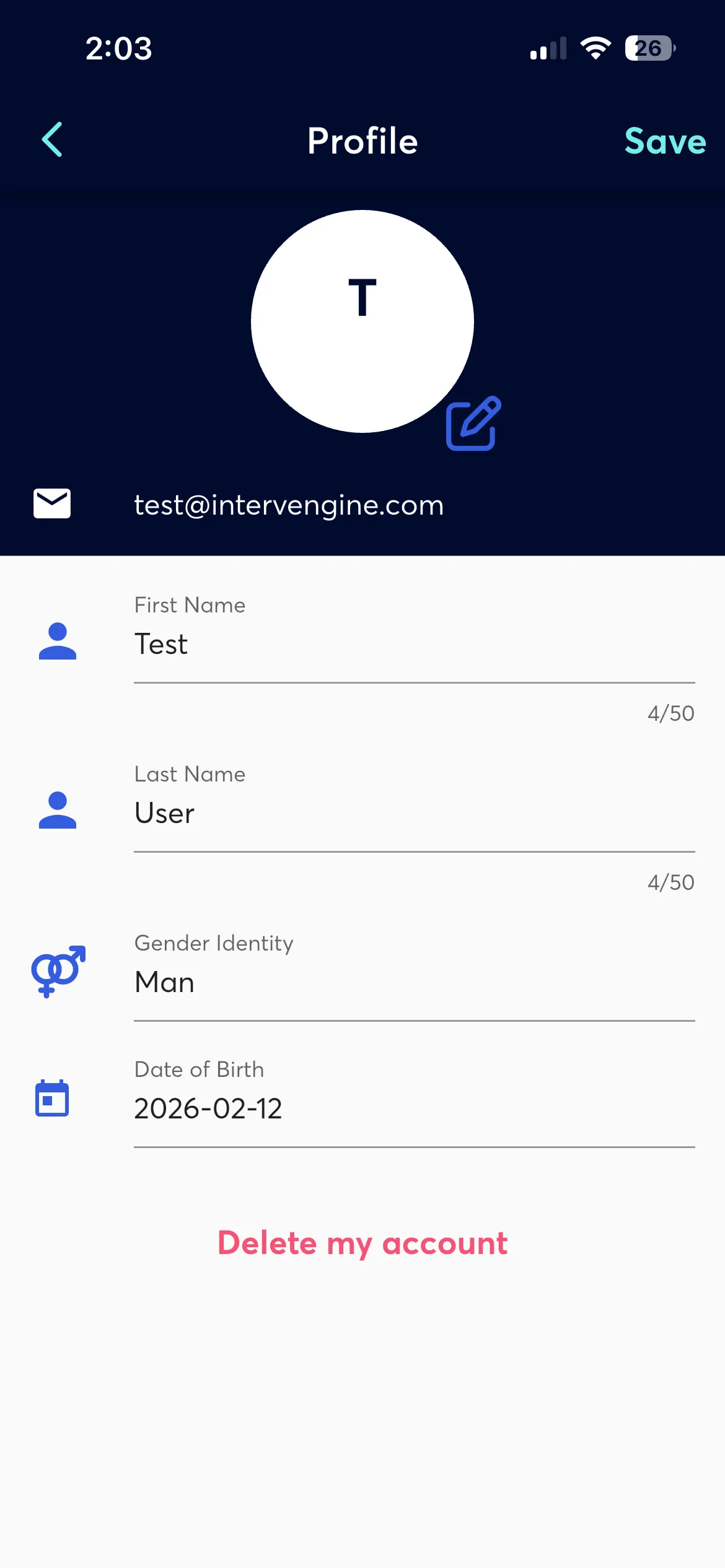
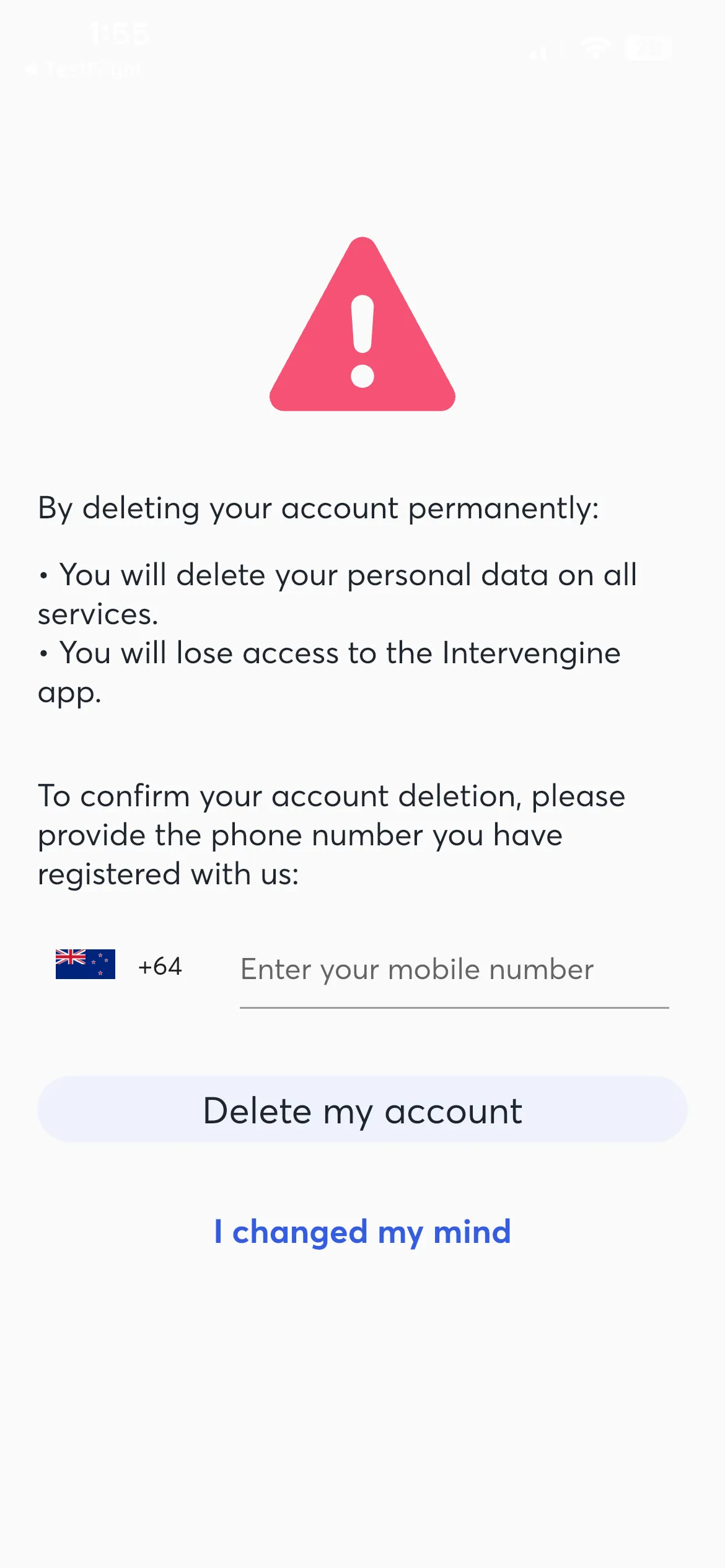
Account deletion is permanent and irreversible.
Reminders
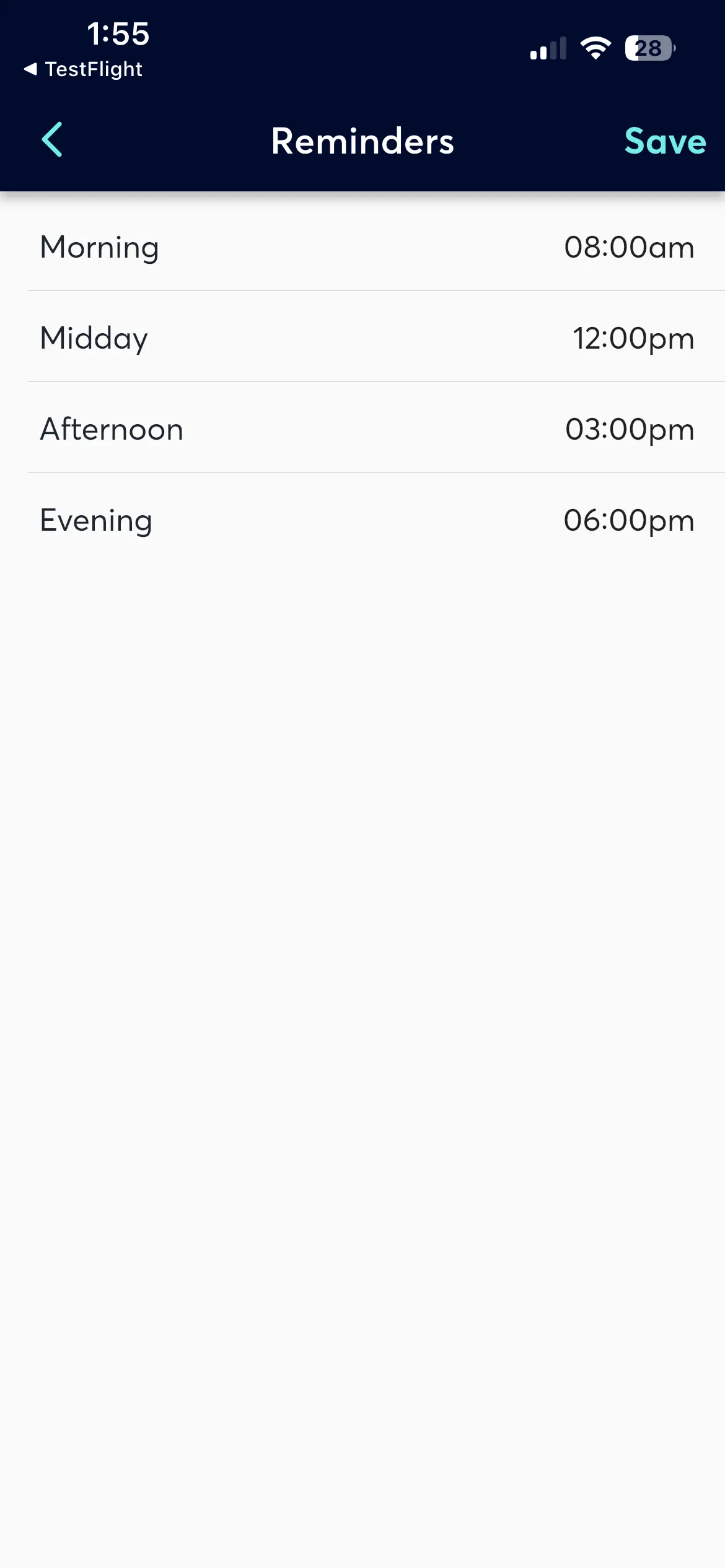
Participants set preferred times for four daily reminder slots: Morning, Midday, Afternoon, and Evening. Cards scheduled for a given slot are delivered at the participant's chosen time.
Coaches configure which days and times activities are scheduled, but the delivery time is controlled by the participant's reminder settings.
Privacy Policy & Terms & Conditions
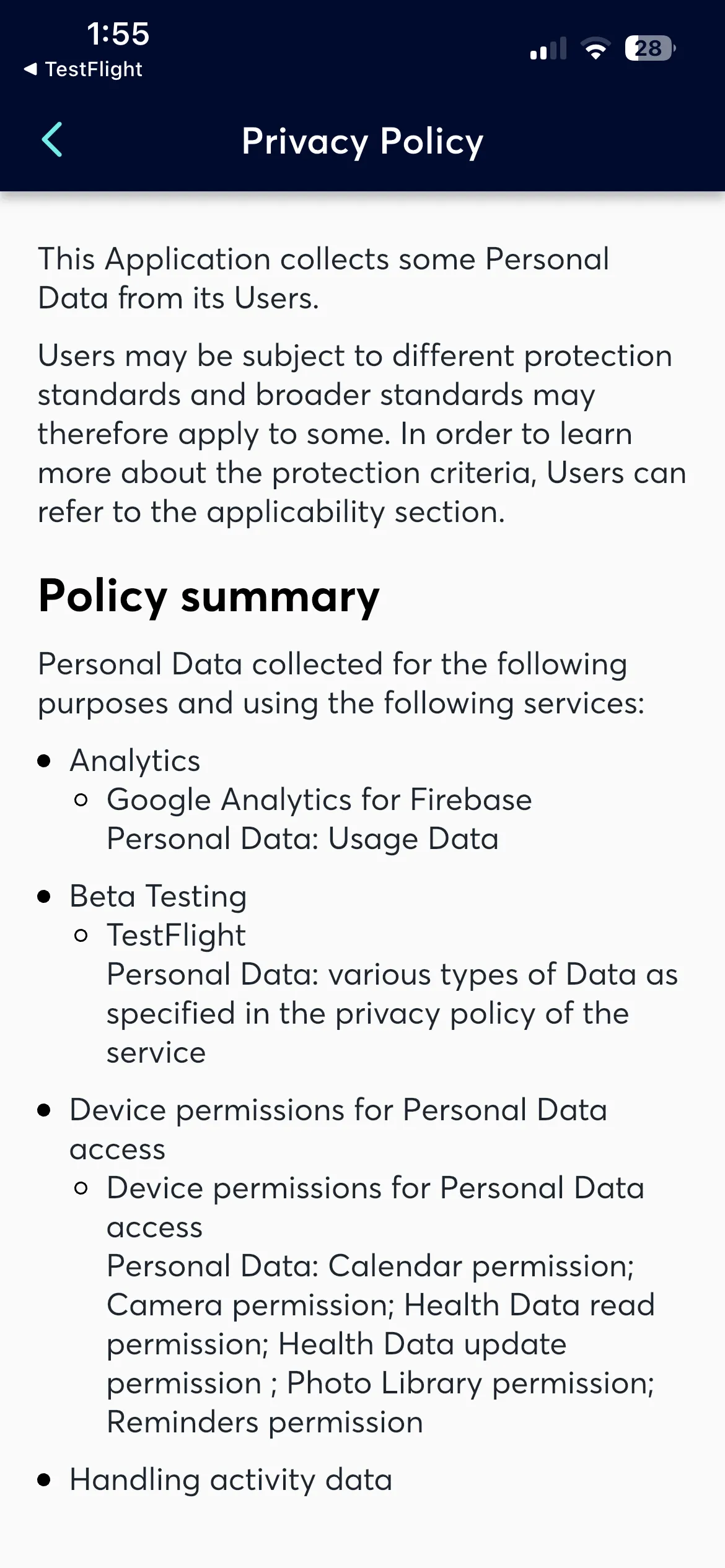
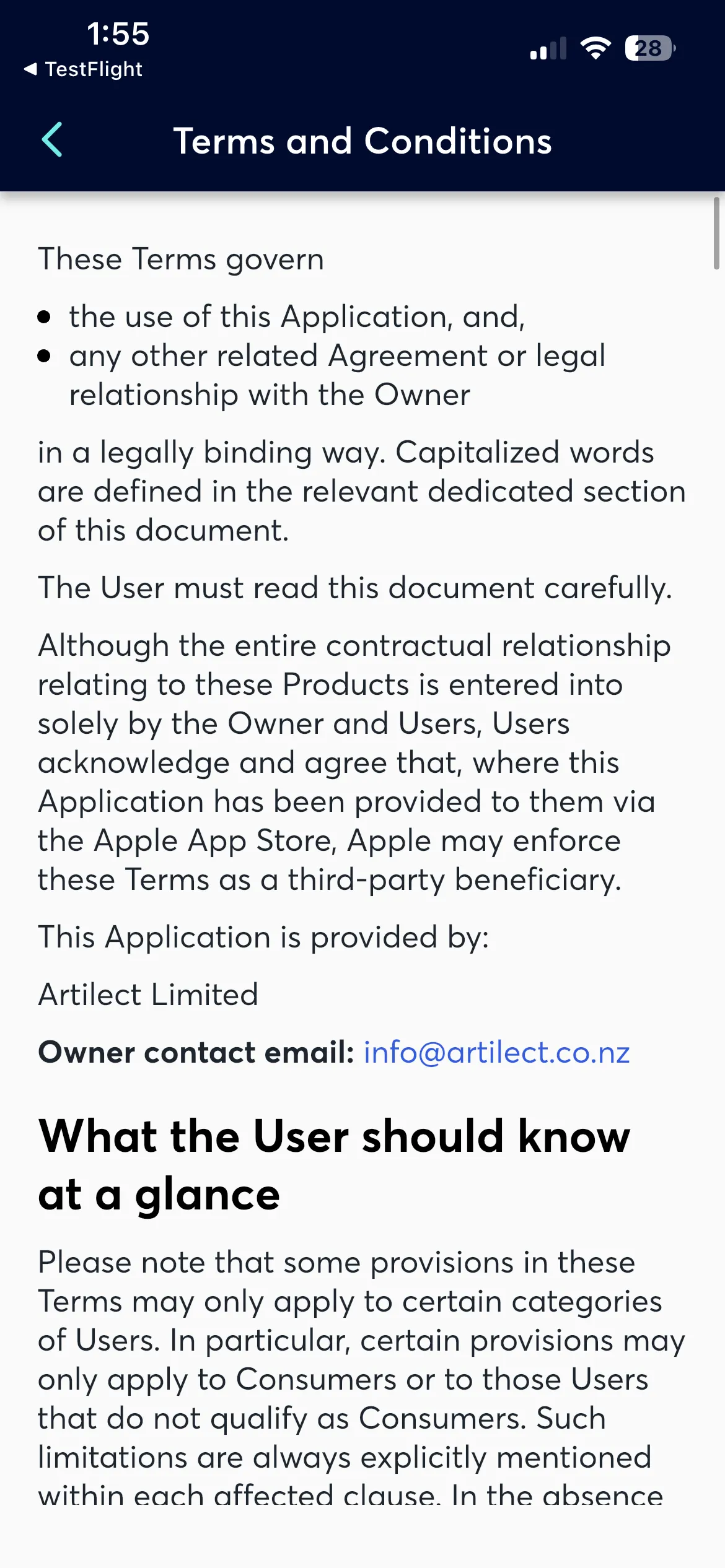
View the Privacy Policy & Terms & Conditions accepted during onboarding. See Privacy - Intervengine and Terms - Intervengine.
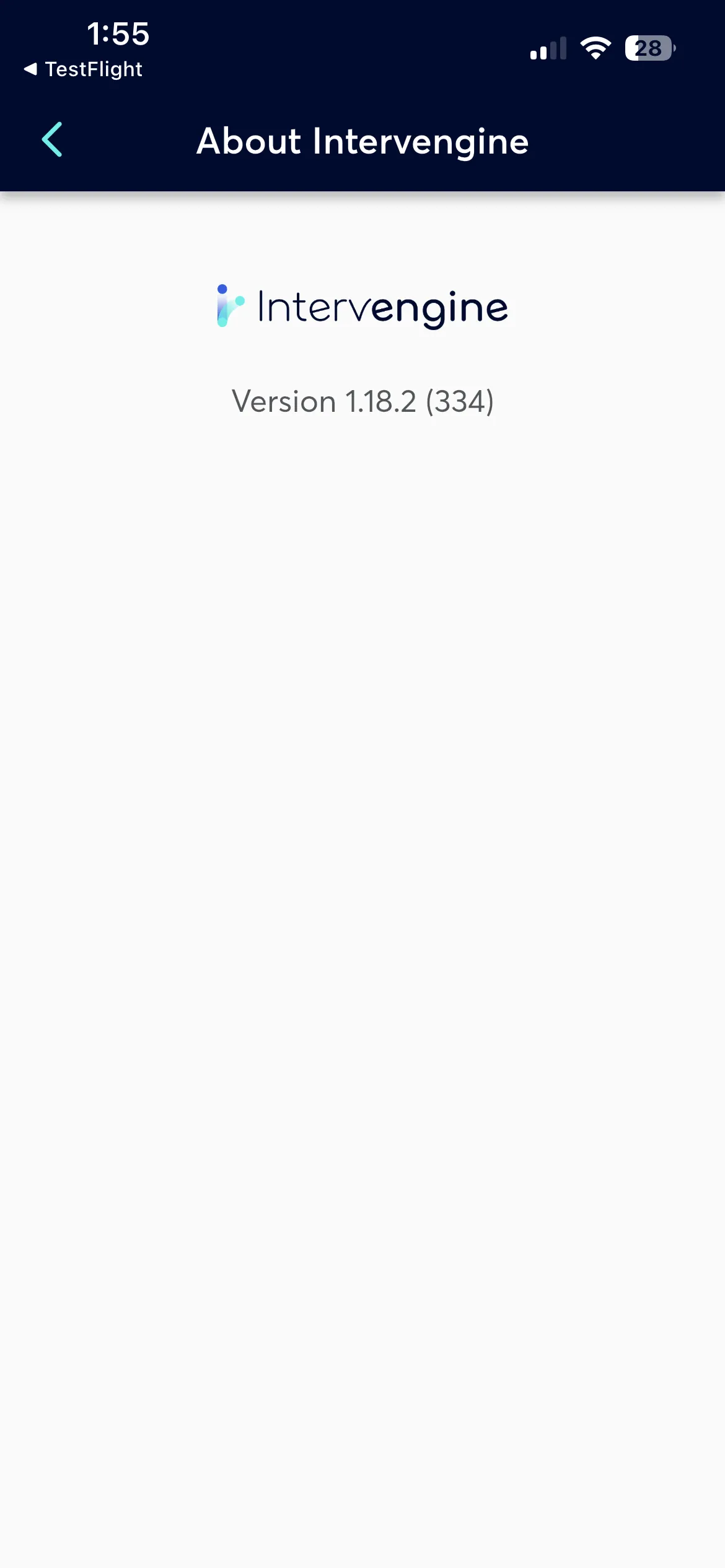
About Intervengine
Displays the current app version and build number.
Sign Out
Signs out and returns to the onboarding screen.
Signing out doesn't delete data. Sign back in anytime to continue.