Onboarding
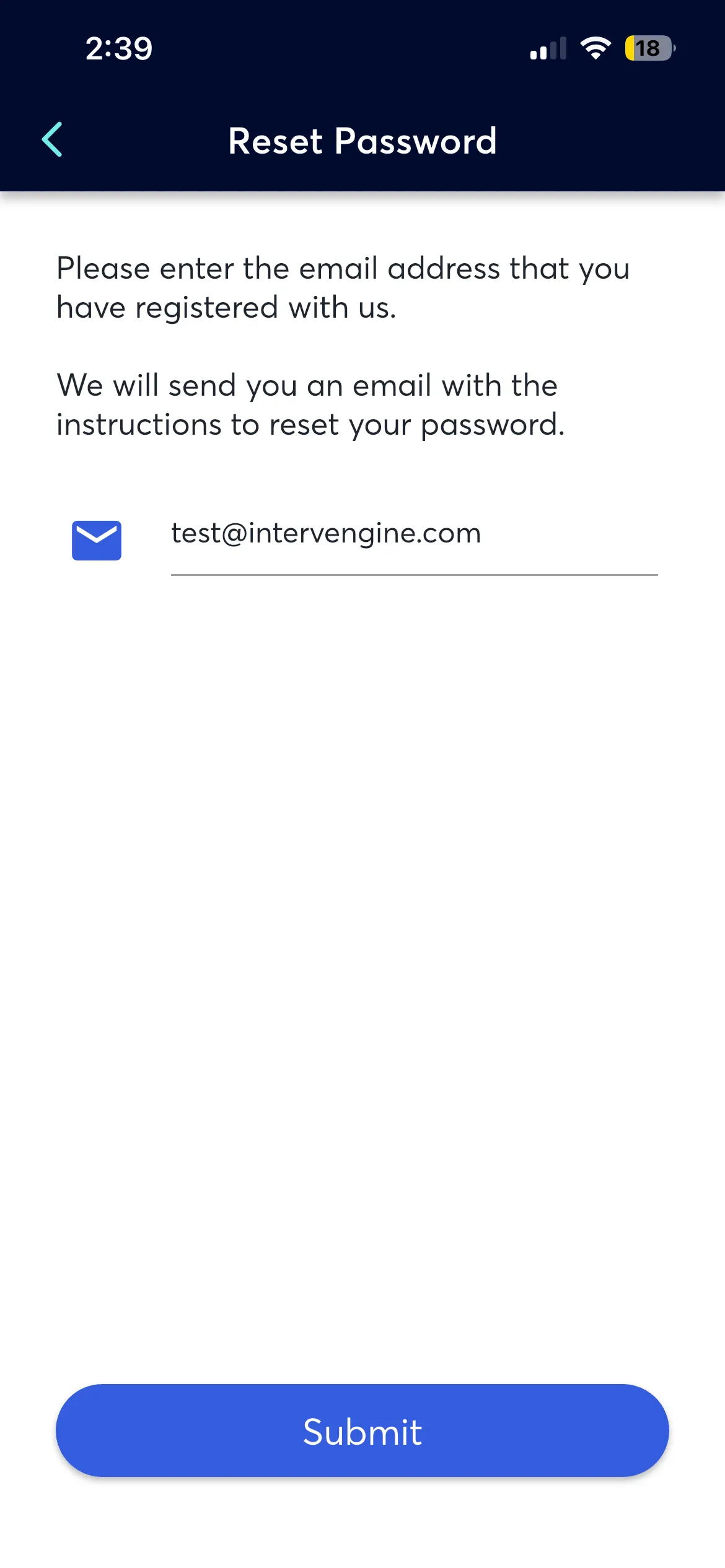
The onboarding flow guides new participants through account setup and app introduction. See the Configuration Reference for authentication and sign-up options.
Splash & Welcome Screens
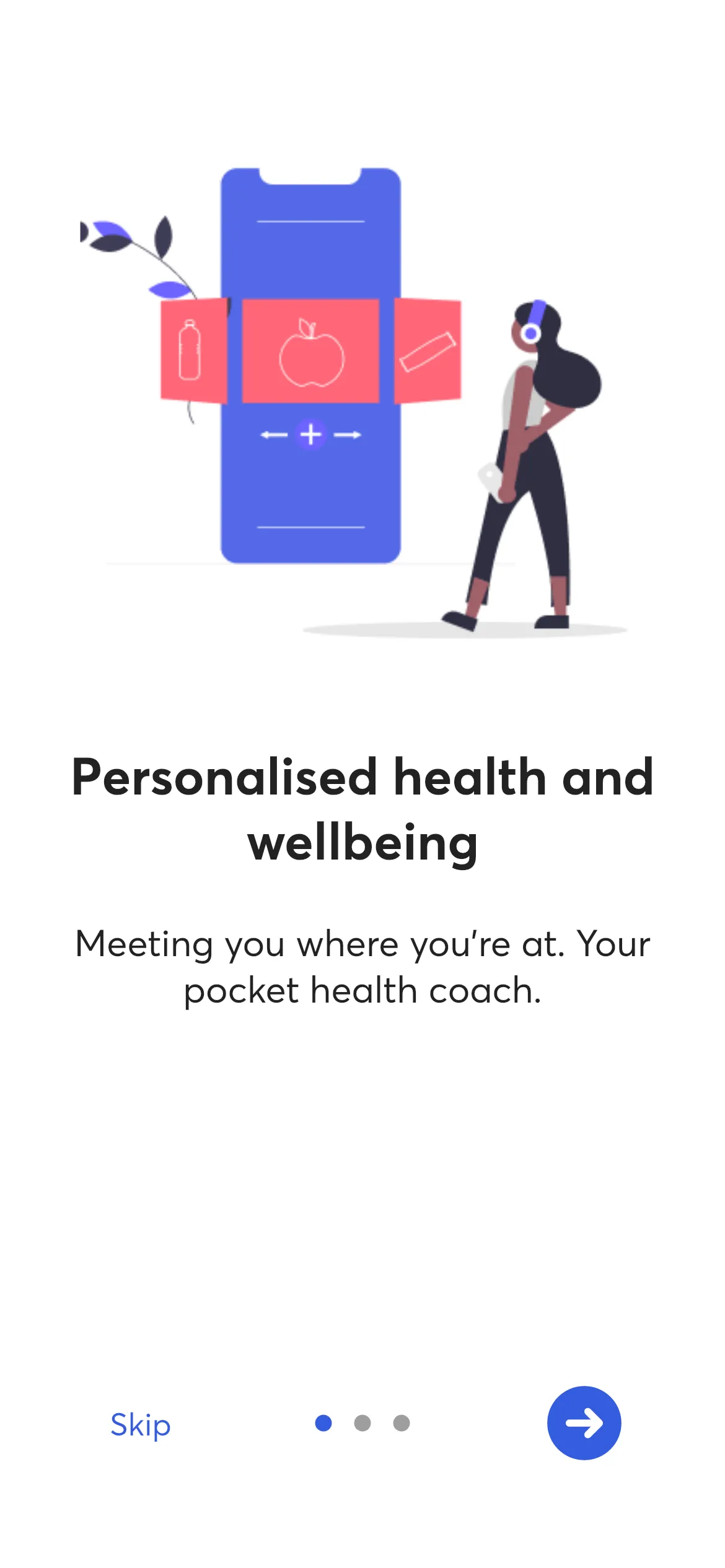
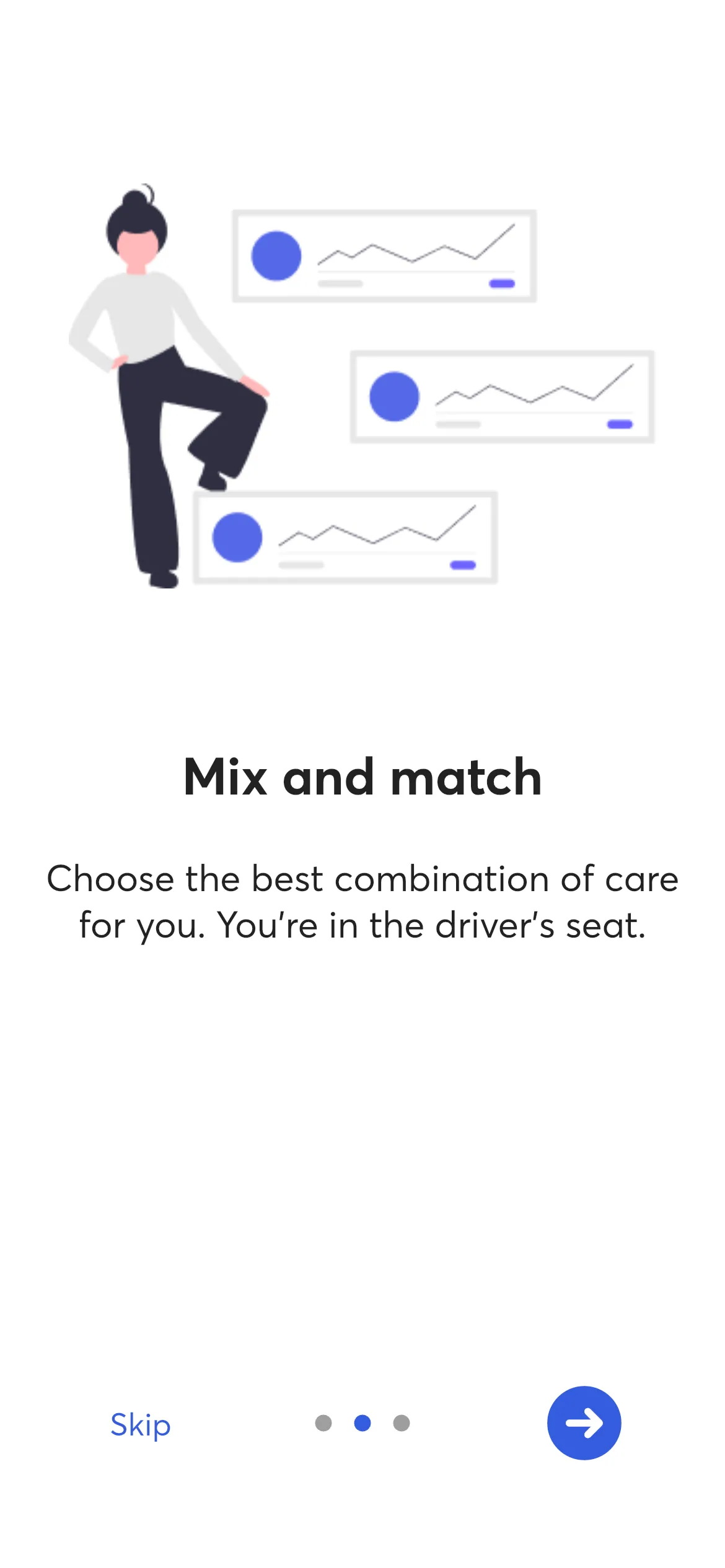
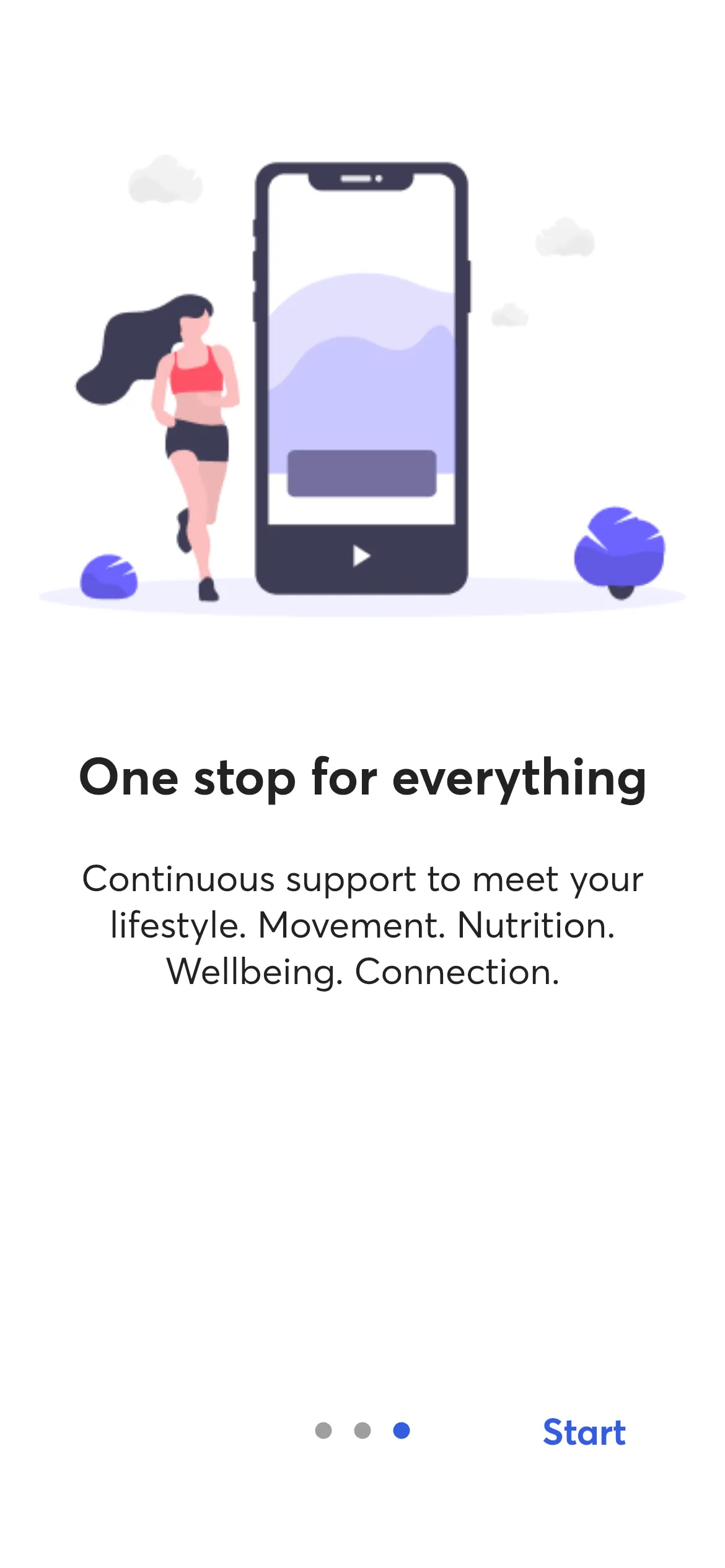
The splash screen displays while the app loads. By default, shows the app icon unless a custom splash screen is configured. A series of introductory screens are then presented on first launch.

Sign In
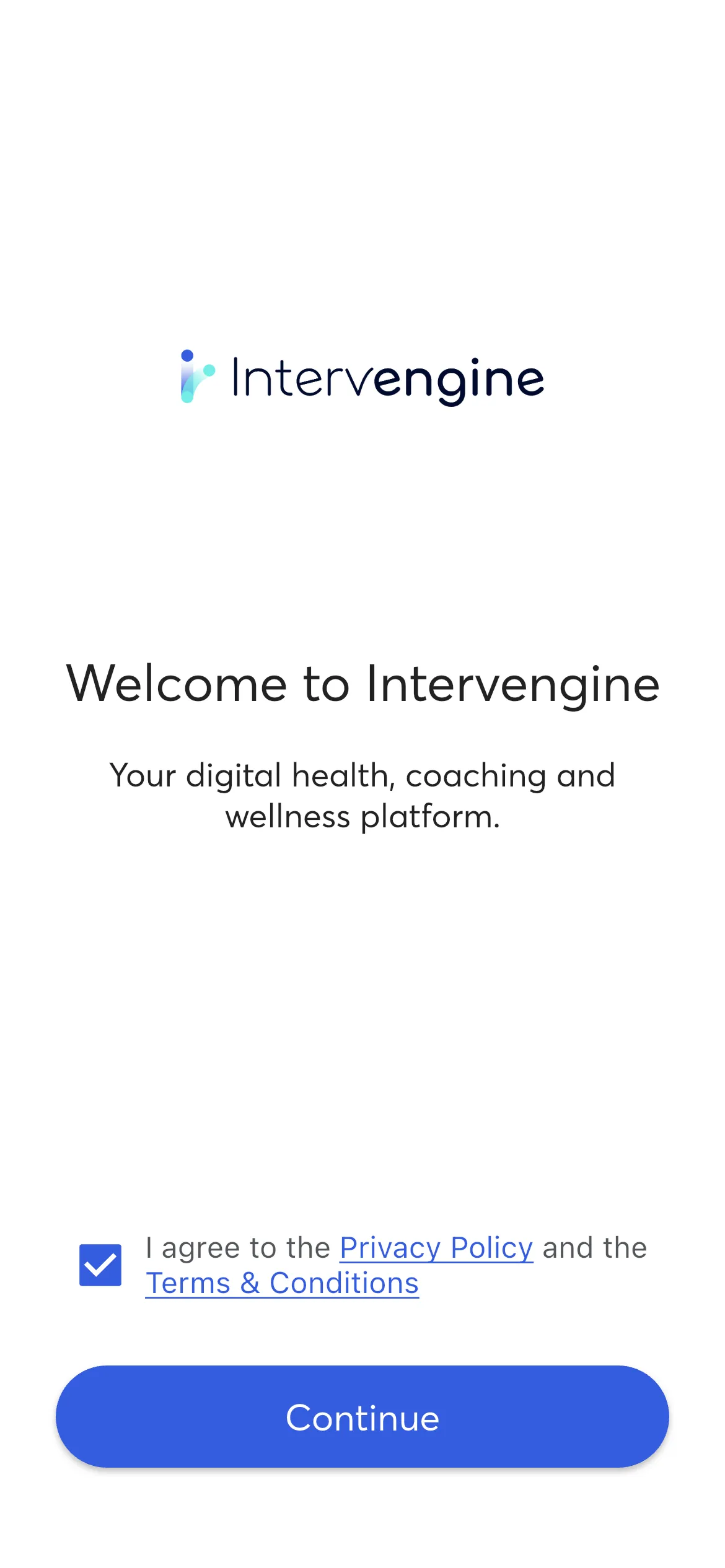
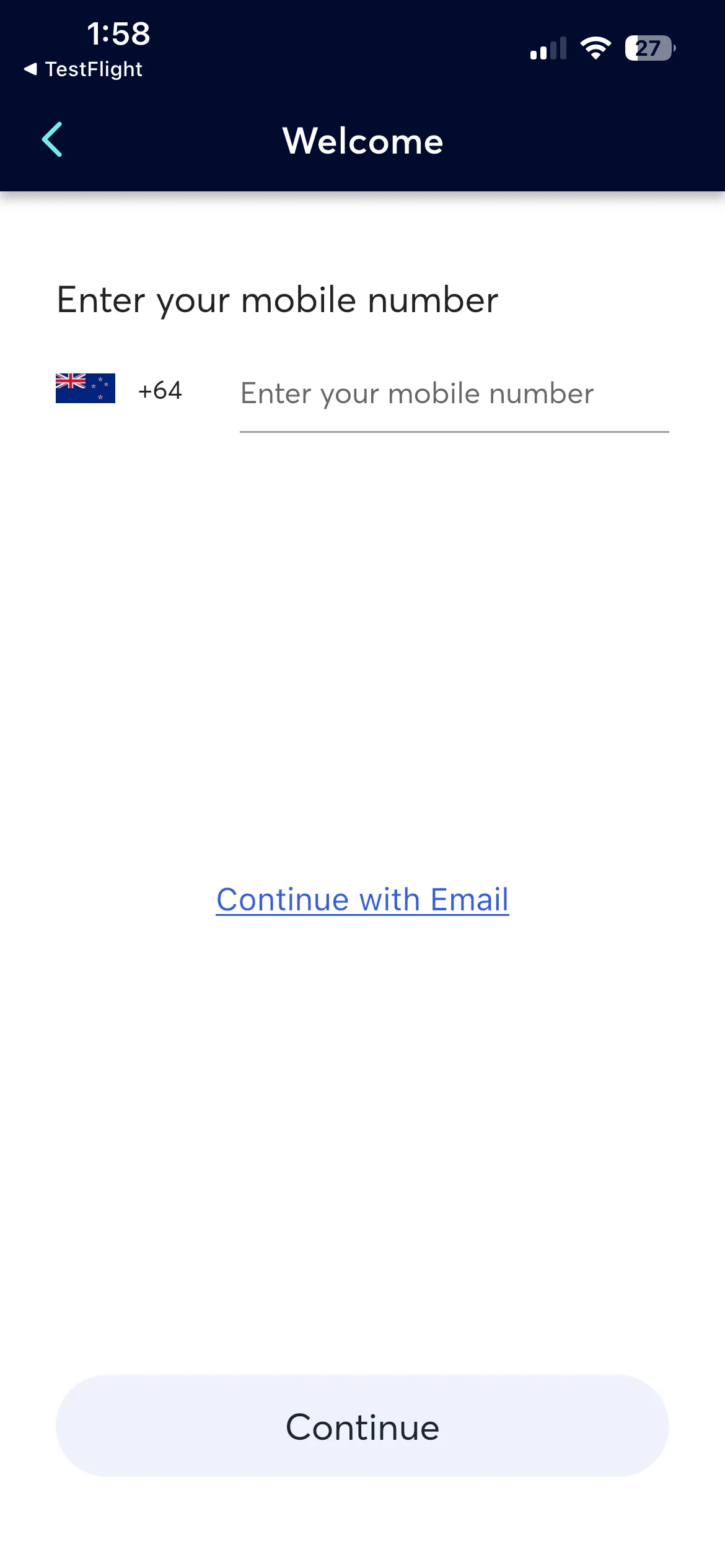
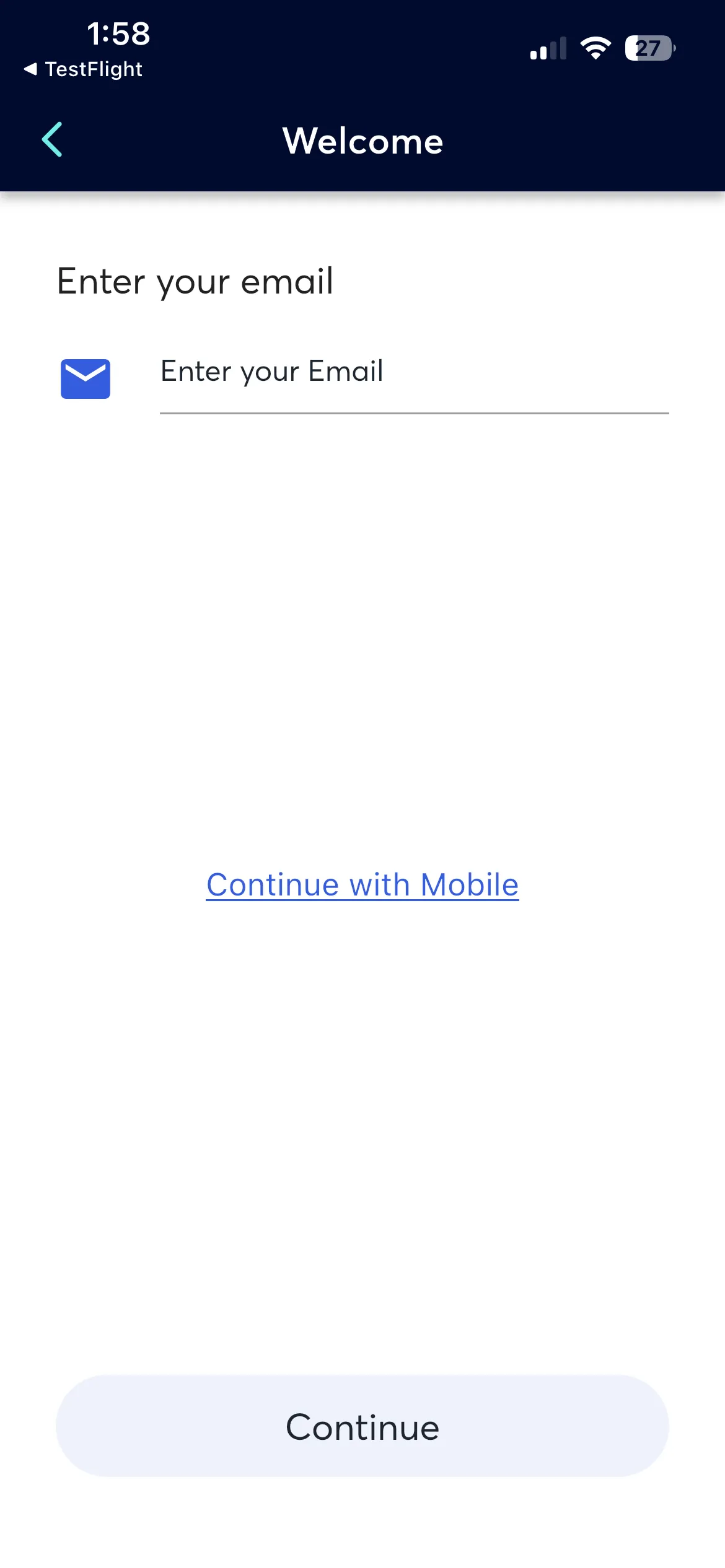
Participants are presented to the welcome screen and must accept the Privacy Policy and Terms & Conditions, they can then can attempt to sign in using their mobile number or email address (If enabled).
What Happens Next
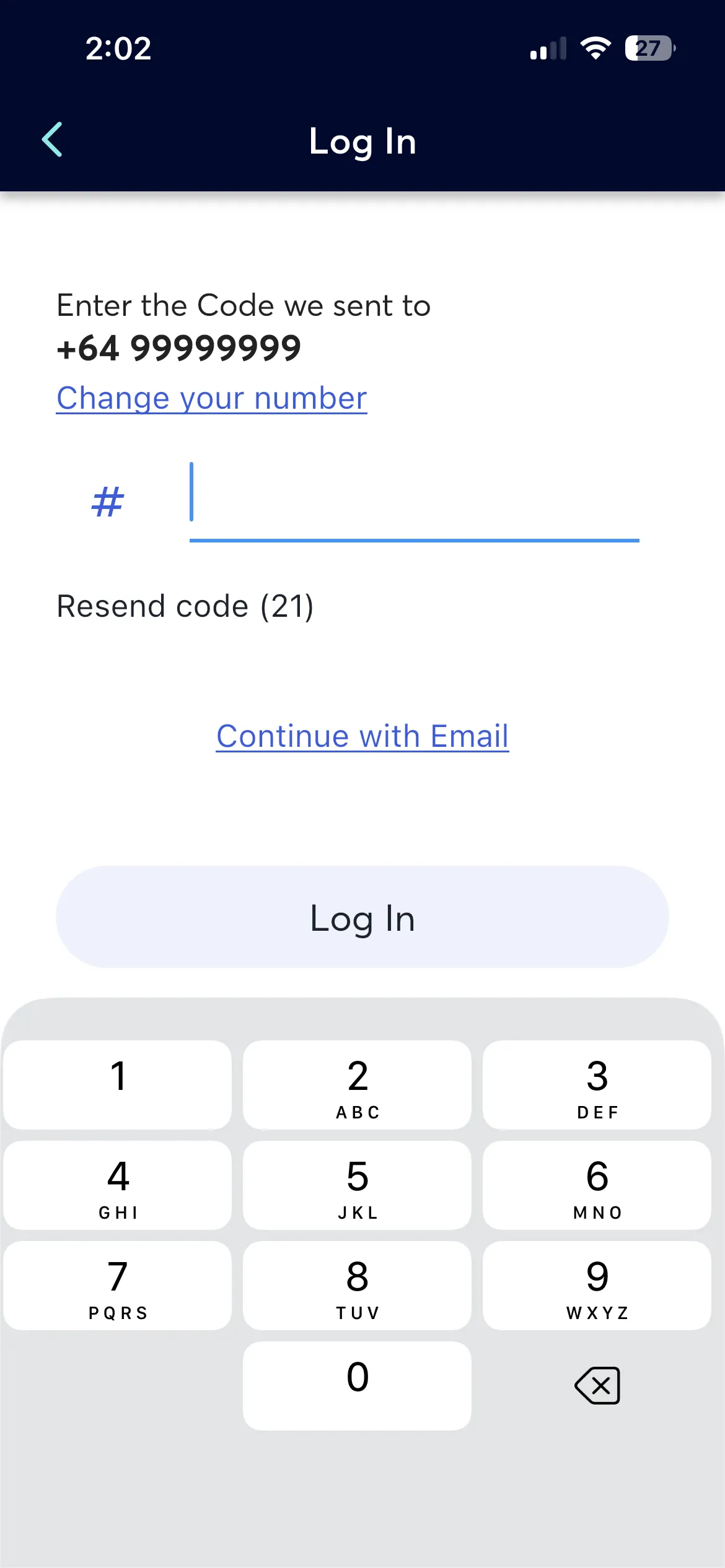
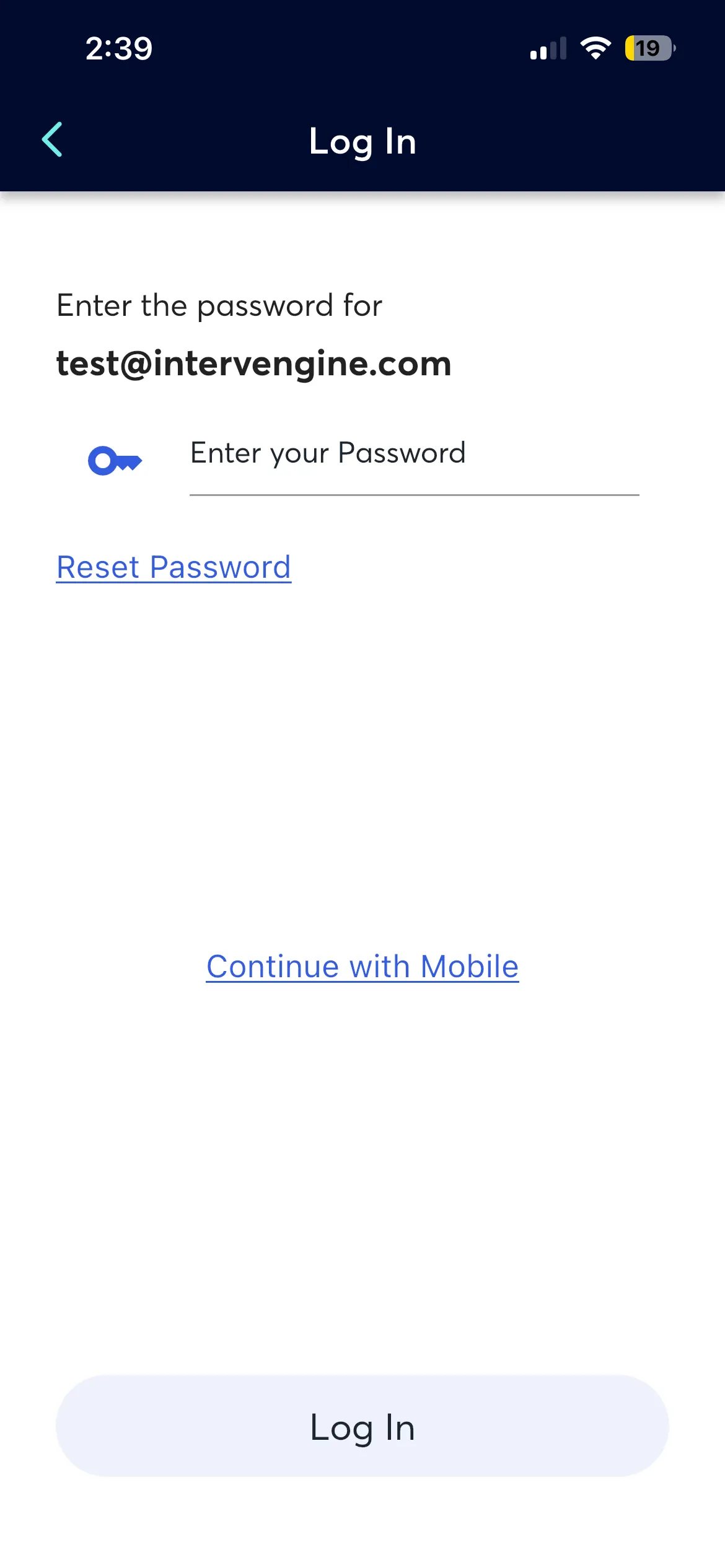
After entering their mobile or email, the system checks if the user exists:
- Existing user - asked to verify via a one-time verification code or their email password, then directed to the home screen
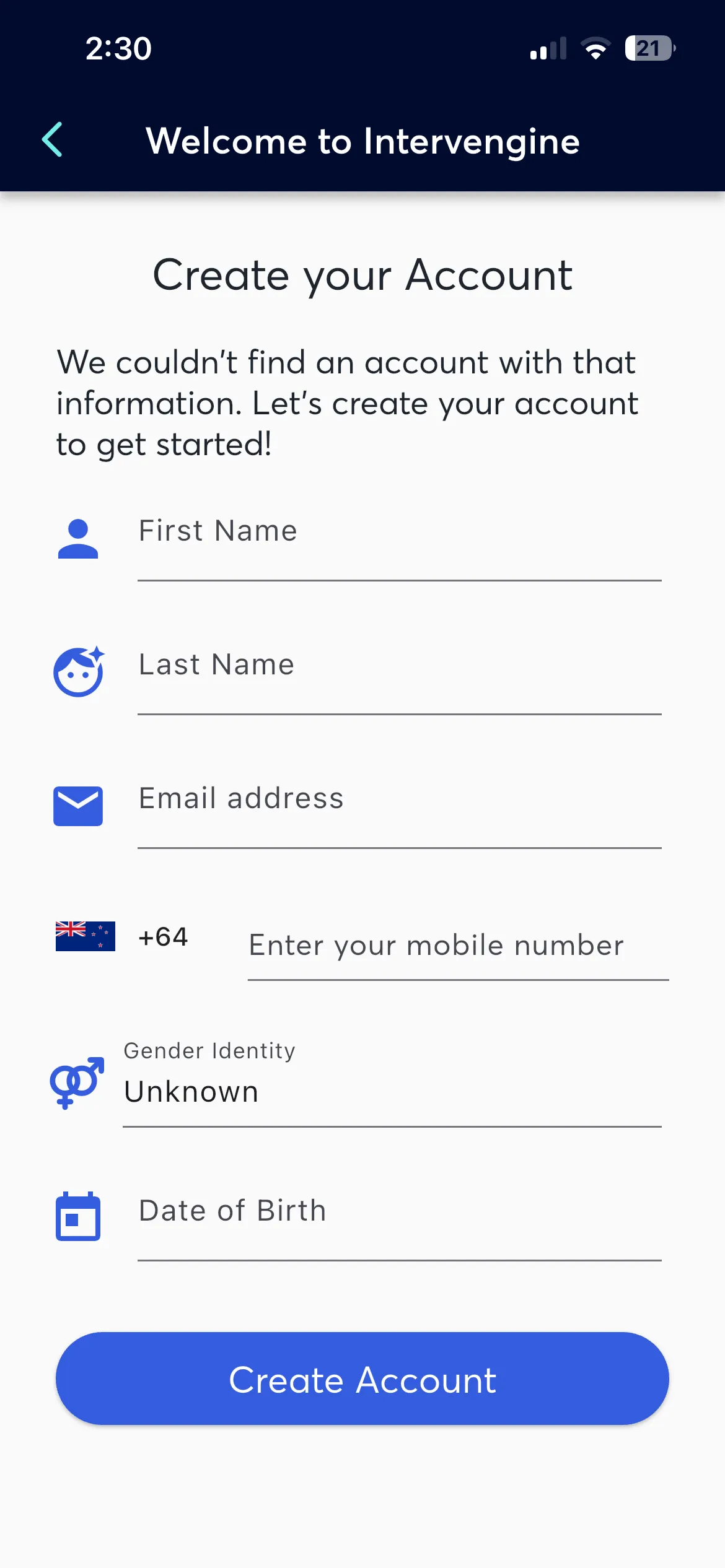
- New user with self-registration enabled - prompted to set up their profile, sign in and accept consent
- New user with self-registration disabled - shown an error and returned to the Welcome Screen
Consent
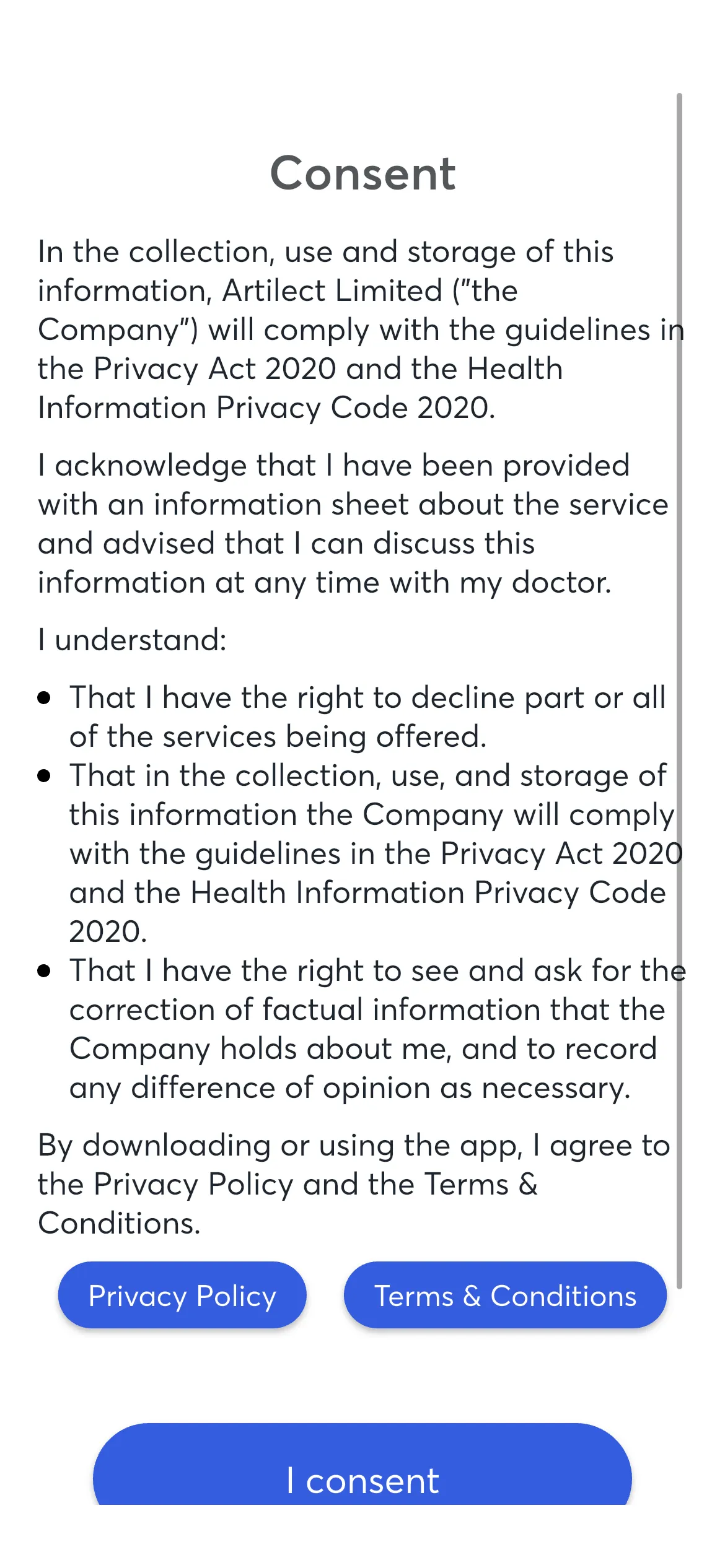
New participants that have not signed in before are prompted to review and accept Privacy Policy and Terms & Conditions.
After Onboarding
On successful sign in:
- Participant is directed to the Feed
- The
PARTICIPANT_CONSENTEDjourney signal fires - Any onboarding journeys begin delivery